One tap to begin
Keep separate timers for different jobs. Start, pause, resume, and finish a shift without losing your place.
 lineat.dev
APP 001 / WORK & TIME
Clocker helps you keep a clear record of the workday. Start a shift, take a pause, and let the history make sense of the hours.
Store links will appear here when a public release is available.
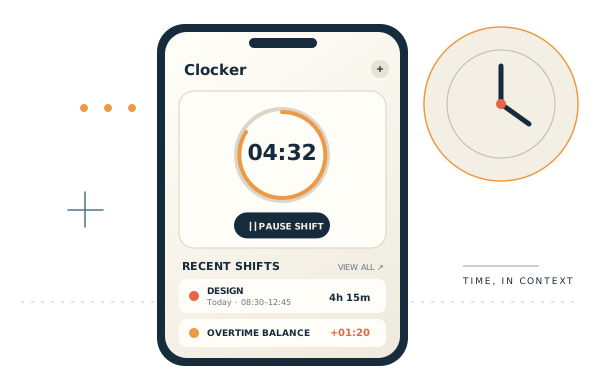
Clocker keeps the essentials close and the record easy to understand. Built for the many hats a workday can wear.
Keep separate timers for different jobs. Start, pause, resume, and finish a shift without losing your place.
Review past shifts, adjust an entry, and see worked time and overtime balances across jobs.
Set a work target and choose an alert when you reach it. Notification behaviour depends on your device settings.
Export a backup or create a shareable work report when you need a copy outside the app.
PRIVACY BY DESIGN
Clocker does not require an account. Your jobs, settings, and shift history are stored in the app on your device, not on a lineat.dev server. If you use an ad-supported version, Google’s advertising services may process data as described in the privacy policy.
Read the Clocker privacy detailsA PRACTICAL NOTE
Clocker is a personal timekeeping aid, not a payroll, legal, or compliance system. It may contain errors or be unavailable. Keep your own records and verify important times independently.
There is no promise of ongoing updates or support. The developer may stop maintaining or supporting the app at any time, including after the standard distribution support period associated with Google Play or Apple’s App Store.
Questions or feedback about Clocker?
Contact lineat.dev